Data Preview
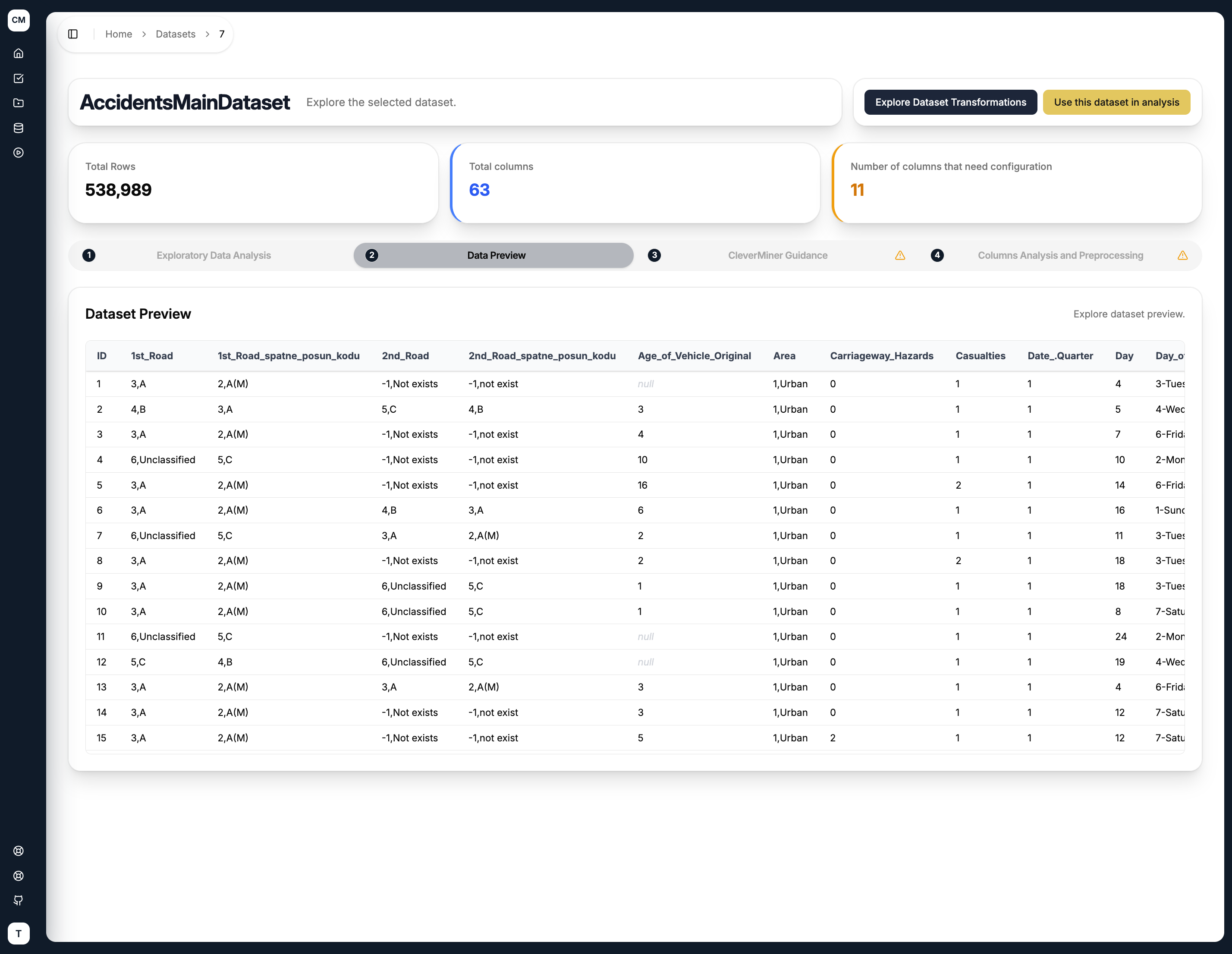
The Data Preview tab displays a sample of your dataset in its raw tabular format, giving you a quick look at the actual values before any transformations are applied.
What is Shown
The table displays 20 rows sampled from the dataset, with all columns visible. Each column retains its original name and data type as parsed from the uploaded CSV file.
Since datasets can have many columns, the table supports horizontal scrolling, allowing you to explore all available attributes regardless of how wide the dataset is.
tip
The Data Preview is read-only — it is purely for inspection purposes. To modify the data, head over to the Columns Analysis and Preprocessing tab.