Task Detail
The task detail page gives you a full read-only view of a task's current configuration — its quantifiers, cedents, and all attribute settings — along with a history of all runs executed for that task. From here you can also edit the configuration or immediately trigger a new run.
Two action buttons are always visible in the top right:
- Edit Configuration — reopens the task wizard with the current configuration pre-filled
- Run Task — immediately dispatches a new run to the execution pipeline
4ft-Miner Task Detail
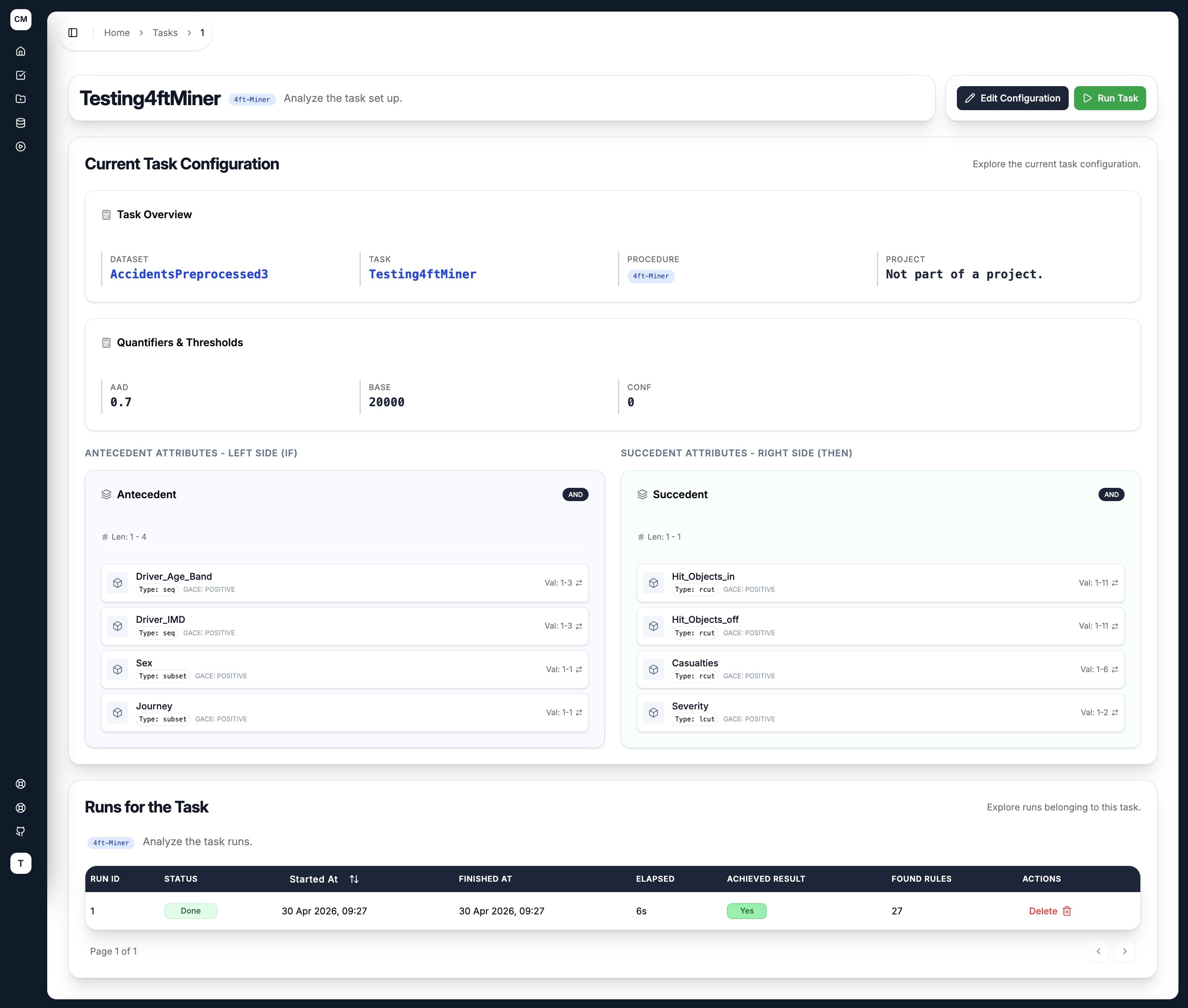
The 4ft-Miner detail page is laid out in two columns reflecting the rule structure:
- Left — Antecedent Attributes (IF): shows all antecedent attributes, their literal type (
seq,subset,lcut,rcut), and value range (Val) - Right — Succedent Attributes (THEN): shows all succedent attributes with the same breakdown
The Quantifiers & Thresholds section at the top displays all configured quantifiers — in this example AAD and BASE.
SD4ft-Miner Task Detail
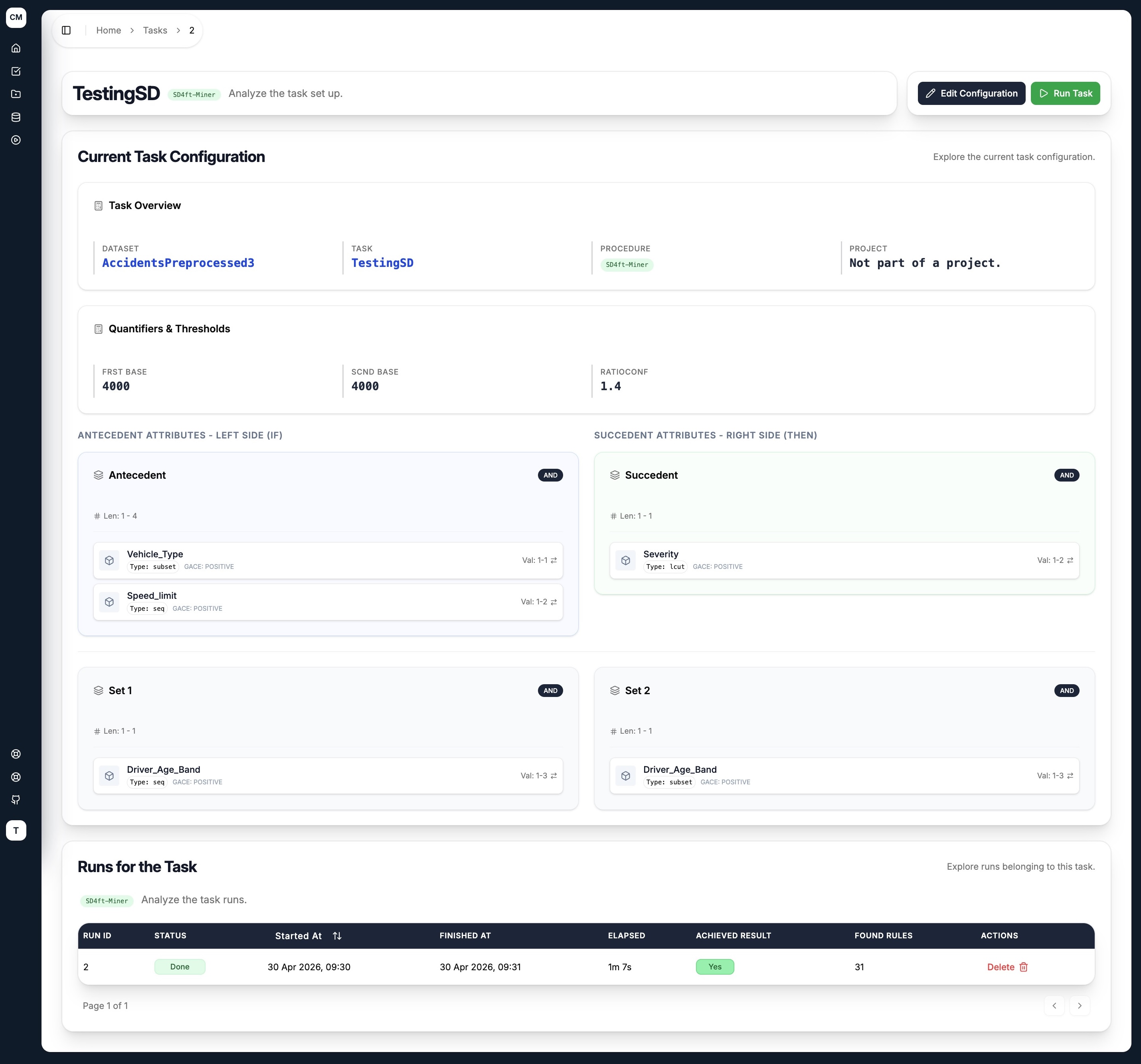
The SD4ft-Miner detail page extends the two-column layout with two additional cedent cards below:
- Antecedent and Succedent appear at the top, left and right respectively
- Set 1 and Set 2 appear below, showing the two population subgroups being compared
The Quantifiers & Thresholds section shows the group-specific quantifiers — FRST BASE, SCND BASE, and RATIOCONF in the example above.
CF-Miner Task Detail
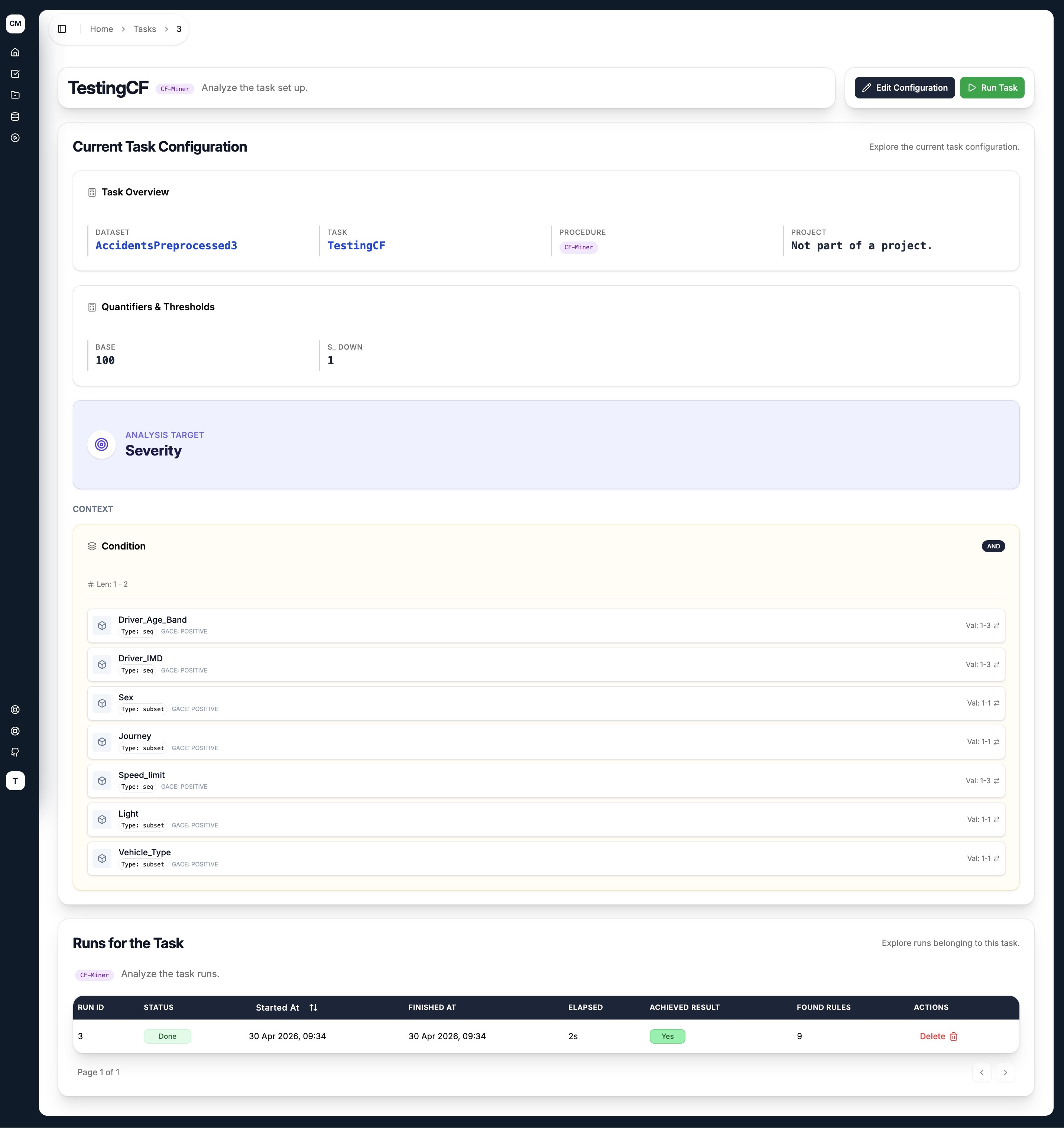
The CF-Miner detail page highlights the Analysis Target prominently at the top, showing the selected target attribute (e.g. Severity). Below it, the Quantifiers & Thresholds section shows the configured histogram-based quantifiers (BASE, S_DOWN).
The Context section then displays the single Condition cedent — the search space the miner explores — with all its attributes, types, and value ranges.
UIC-Miner Task Detail
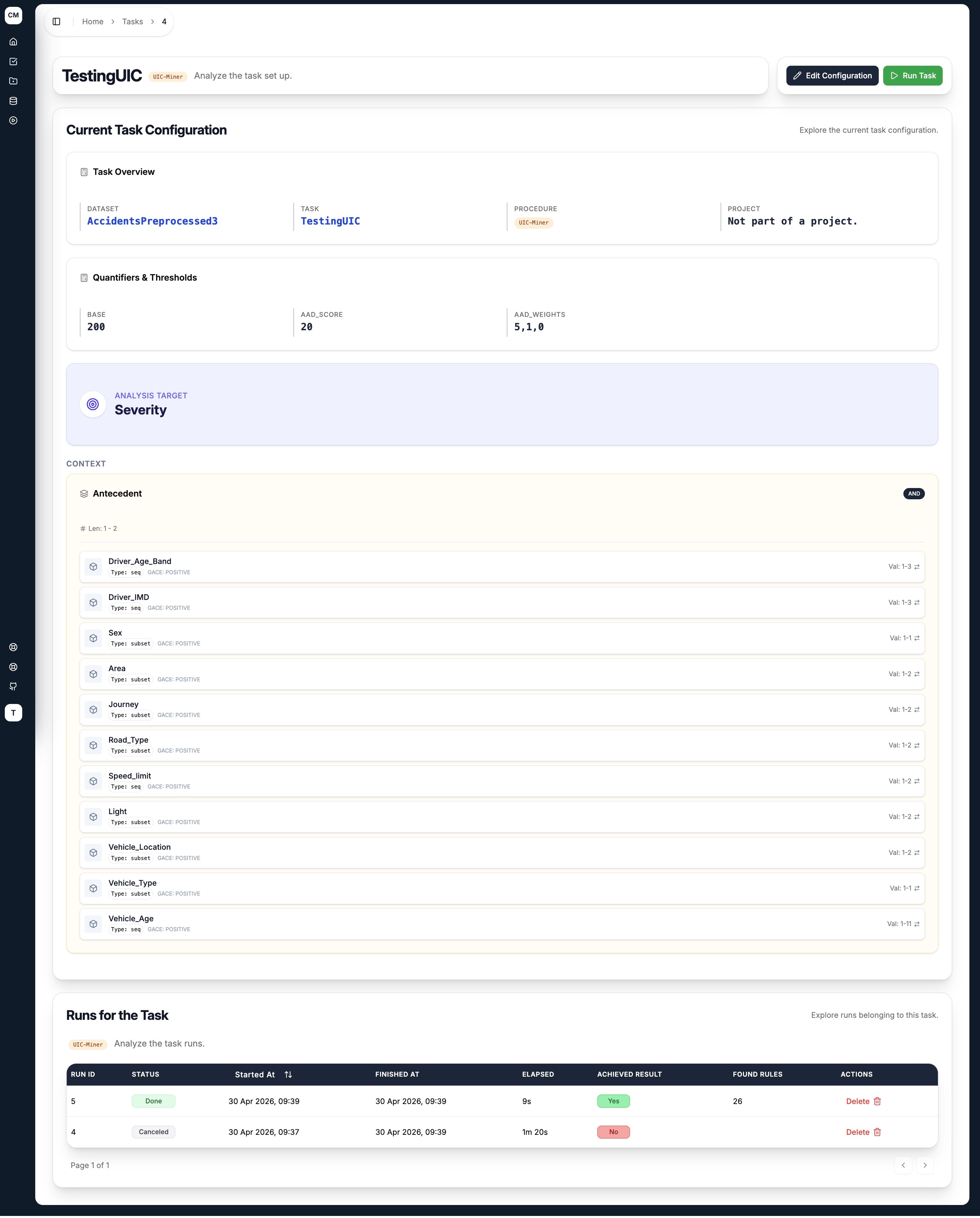
The UIC-Miner detail page shows the Quantifiers & Thresholds section with the UIC-specific fields — BASE, AAD_SCORE, and AAD_WEIGHTS — followed by the Antecedent cedent in the Context section.
The AAD_WEIGHTS value (e.g. 5,1,0) is displayed directly, corresponding to the importance weights assigned to each category of the target attribute in the order they appear.
Runs for the Task
All four task detail pages include a Runs for the Task section at the bottom, listing every run that has been executed for this task. The table shows:
| Column | Description |
|---|---|
| Run ID | Unique identifier for the run |
| Status | Current state — Done, Failed, or Queued |
| Started At | When the run began processing |
| Finished At | When the run completed |
| Elapsed | Total execution time |
| Achieved Result | Whether any rules were discovered |
| Found Rules | Number of rules returned |
Click any row to navigate directly to that run's results page.